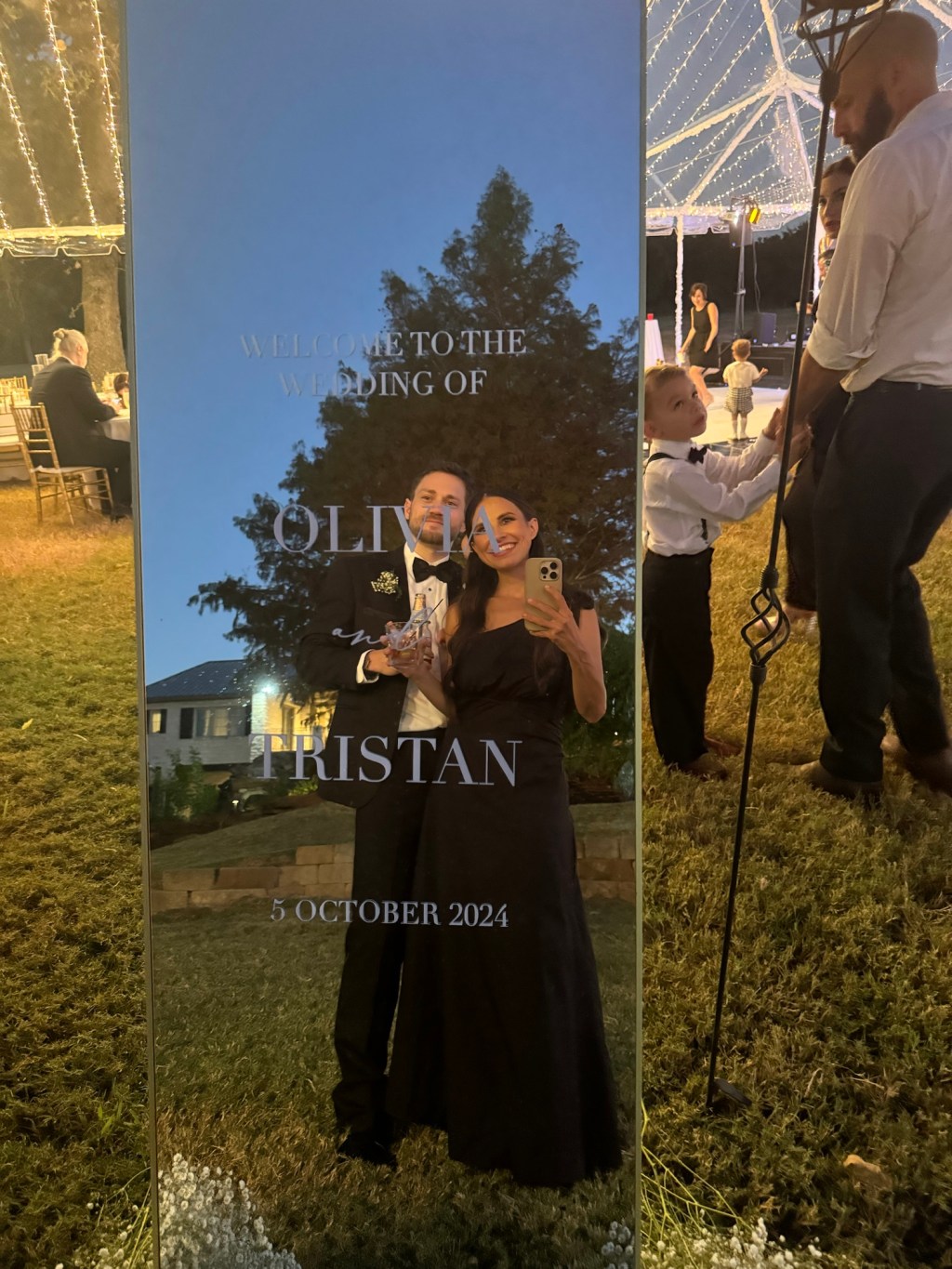
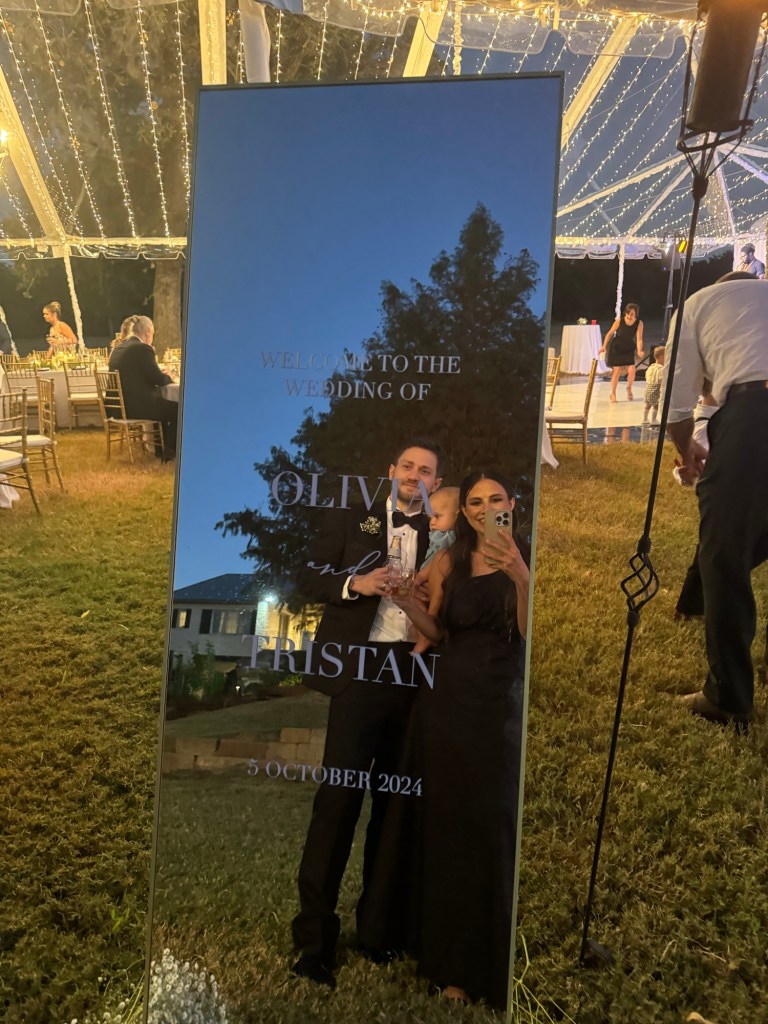
I definitely recommend being a little crafty and creating this super cute wedding selfie mirror. This is the combination of a welcome sign and picture opportunity all rolled into one! I created this for my sister-in-law for her big day!
Materials/Tools needed…
*all links are affiliate links and earn commission*
- Cricut
- https://amzn.to/3Yt46W4
- I have the explore air 2- But any Cricut should work
- https://amzn.to/3Yt46W4
- Basic cricut tools
- https://amzn.to/3A0ThRp
- This set had a spatula, weeder, scraper, a pair of scissors & a pair of tweezers
- https://amzn.to/3A0ThRp
- Permanent White Vinyl
- Transfer Tape
- Measuring tape
- Mirror
- This is where you can really do whatever fits your wedding style best. Size wise I used 65” X 24”, but again you can do really anything. I did like that the one I used had a stand, so it could stand on its own. You would need a type of easel or to lean it up against something if it does not have a stand, just something to think about. Use whatever metal fits your vibe, square or arched, modern or antique- really the possibilities are endless.
- Leveler (optional, you can eyeballed it)
- Painters tape (optional, I used cut up pieces of extra transfer tape to markdown my measurements/center on the mirror, then removed them after I was done.
- Cricut mat
Step by step
After you’ve got all your materials, decide on what wording you would like to use. For this mirror I did…
WELCOME TO THE
WEDDING OF
OLIVIA
AND (cursive)
TRISTAN
5 OCTOBER 2024
But you can really do whatever you want! I’ve seen “we’re so glad you’re here” “Darling you look perfect tonight” “You look good, now go grab a drink”, combined with the groom and brides name and the wedding date. So be creative and come up with something that’s perfect for your wedding!
Next I used procreate to type up the wording in the font I wanted. If your wondering specifics I used the font Didot in caps lock for all the wording except for “and” which was in Biancha. Don’t worry about size of font at this time, you will size it in the cricut design space. I saved the artwork as jpegs and uploaded it to the cricut design space and removed all of the white background. You don’t need to have procreate to do this. Other options are using the cricut design space fonts or you could use Canva. If using Canva, it will be similar to procreate and just upload that image you made into the Cricut design space.
After uploading your text into the cricut design space you need to size it correctly. I did right under 12 inches across so that it would easily fit on my cricut mat. You could get a longer mat if you need bigger lettering for a larger mirror. At this point you are going to put your white permanent vinyl on the cricut mat-it’s going to be shiny side up. Make sure your settings are set to vinyl. Go ahead and load your mat and let the cricut do it’s thing! In order to get the wording the size I wanted on the mat I had, I did this in separate batches.
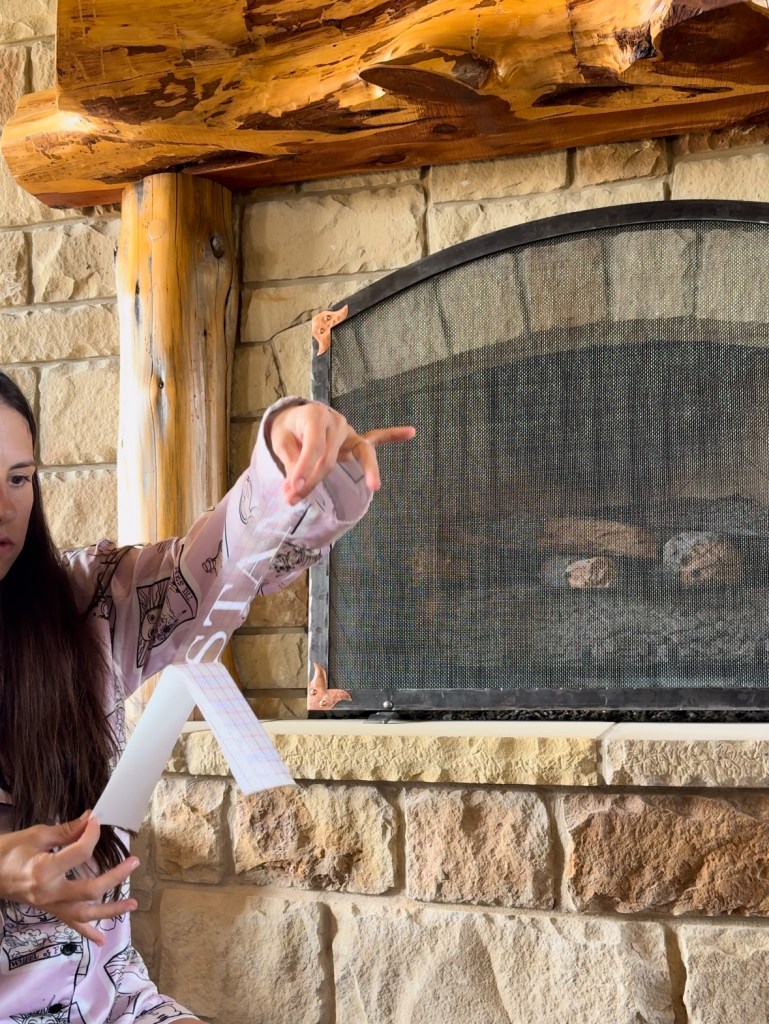
Once your vinyl letter is cut, it’s time to weed it. This is where the weeding tool comes in handy. You will be left with just the cut out lettering once your done. It’s now time to stick on your transfer tape. Cut out the correct size and remove the white backing from the transfer tape. Use the the guide lines to help you keep everything level and straight. I used a scraper to help press the vinyl to the transfer tape. Once it’s on, remove the backing and it’s time to attach it to the mirror.

Now I’m getting a little ahead. You need to prep your mirror a little before attaching the lettering. Clean it with a window cleaner. Usie a measuring tape and mark your center. You can use painters tape or extra transfer tape scraps. You could also use the leveler and give yourself guide lines. I folded the lettering in half so that I could line that up with the middle of the mirror, ensuring everything is centered. Again using the scraper to apply the vinyl to the mirror before removing the transfer tape. If your scraper is too harsh for your mirror and potentially scratching it, you can put a thin dish towel over your scraper. At first I was doing this with the mirror laying on the ground. After having to redo some of the lettering because it’s was uneven I learned it was easier to apply it while the mirror was standing up. This way allowed me to still eyeball everything and make sure it was even and level. If you don’t like your lettering placement, carefully use the spatula to remove the vinyl. Clean with a window cleaner to get all the residue off and now you can try again.

For transportation to your venue try and be careful. I recommend lots of blankets and cushions! I’m doing this for my sisters wedding in May and I plan on keeping the box/foam the mirror comes in. Hopefully by repackaging it I can safely get it to the venue!
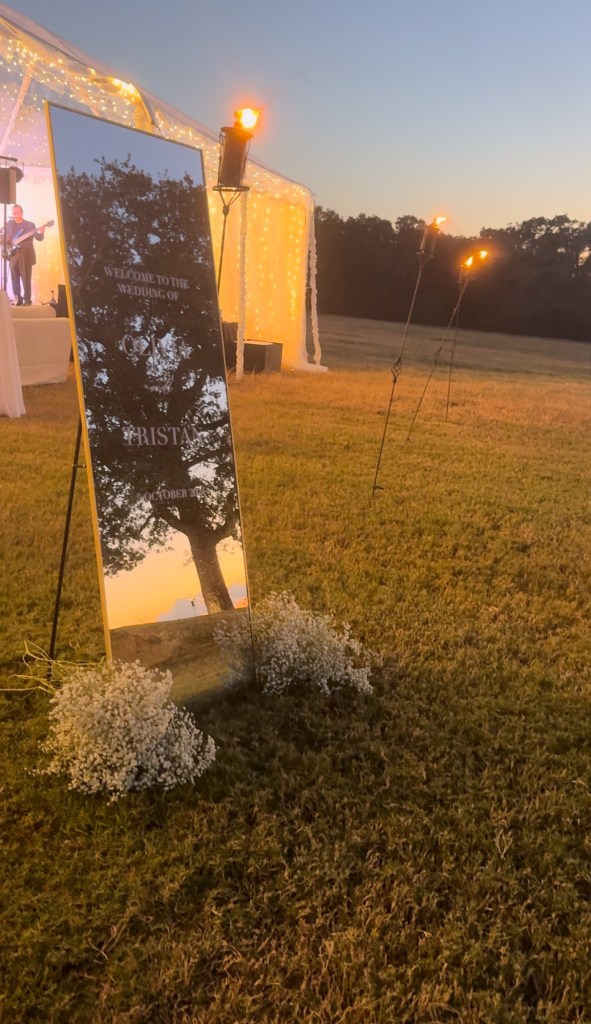
PRO TIP: Bring window cleaner the day of your wedding and assign someone the task of cleaning off any fingerprints made in transport!


 Half Pint Mama
Leave a comment